![pascal_logo.png]](https://help.vartion.com/hs-fs/hubfs/pascal_logo.png?width=160&height=42&name=pascal_logo.png)
In this release, internal users can now remove external users from onboarding forms. This new feature provides more control over the external team accessing the onboarding form. Access can be revoked when it is no longer required or when an invitation has been incorrectly sent. With this enhancement internal users can now manage participant access from the form page.
How It Works
To use this new feature, the below guidelines can be followed:
- On the Clients page, open the relevant client.
- In the Forms card, select the onboarding form from which you want to remove access.
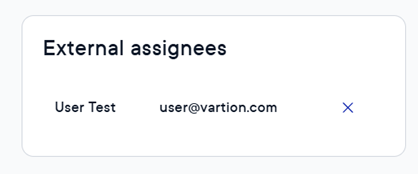
- In the External assignees card, click on the cross next to the external user you want to remove.
- In the confirmation pop-up, click Confirm.