![pascal_logo.png]](https://help.vartion.com/hs-fs/hubfs/pascal_logo.png?width=160&height=42&name=pascal_logo.png)
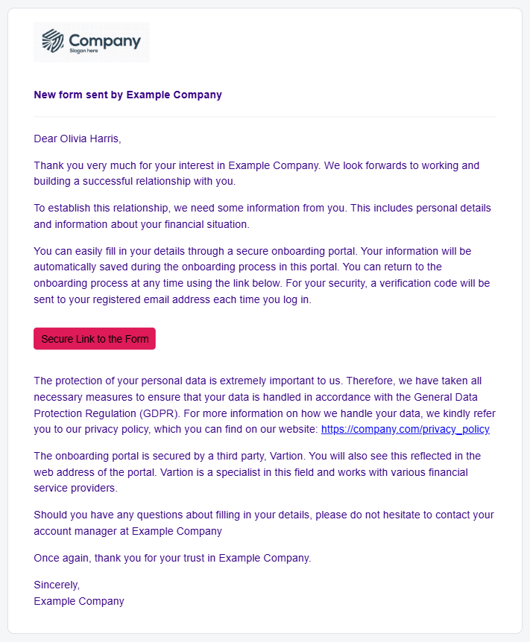
When a client in onboarding is created and an external user is filled to send a form to, they will receive the initial email from Pascal about the form they are requested to fill in. The theme and company information in this email is customisable via the External theme setting in Pascal Onboarding.
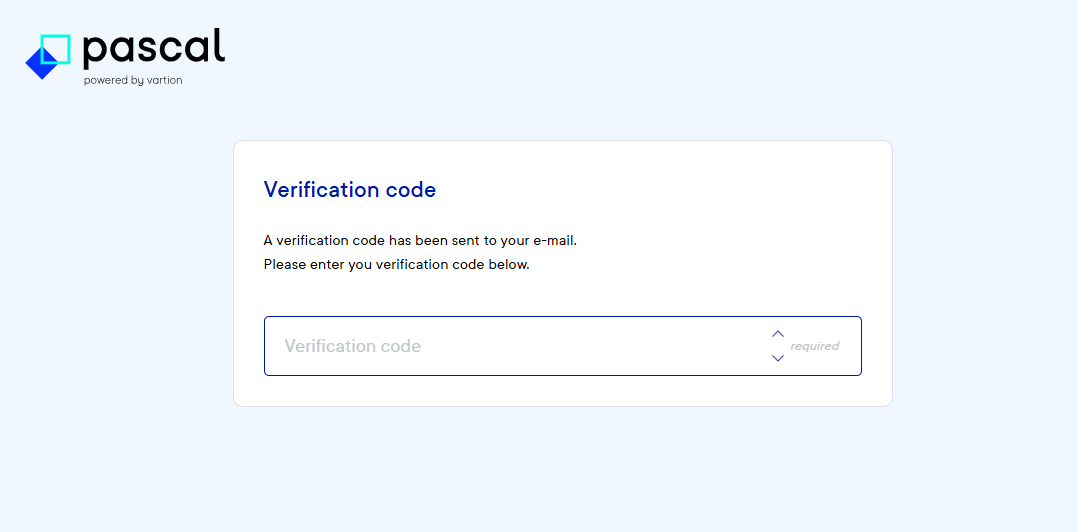
When they press on the button to open the form in Pascal, they will be requested to confirm their access with a verification code send to their email address.
Thereafter the user can access the sent form in the Onboarding status overview. From here, the theme, company logo and name will be presented based on your set up External theme.
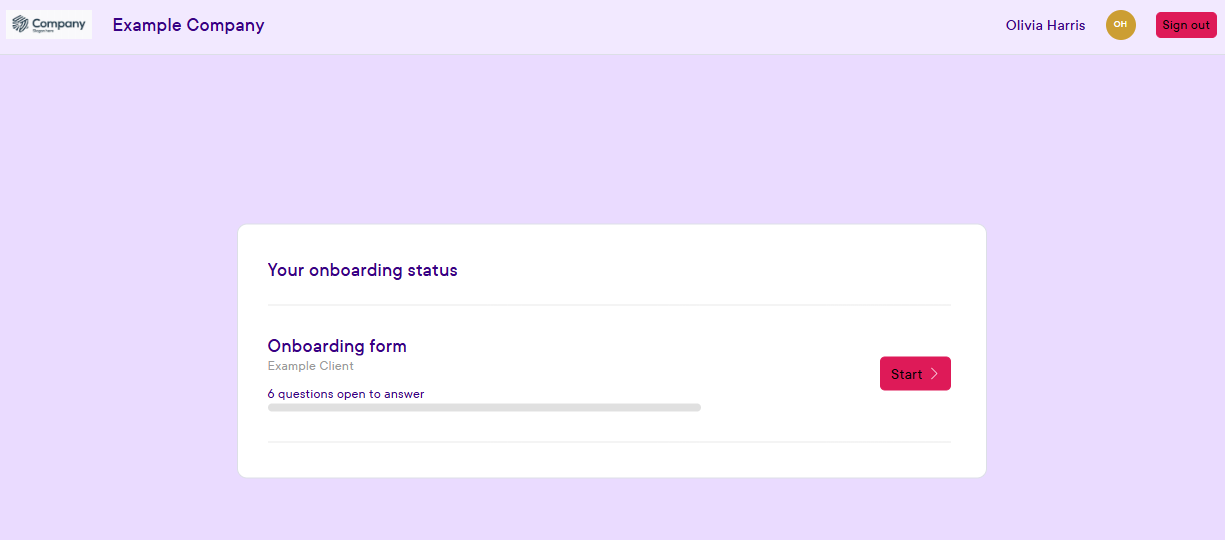
The user can see the current progress made in the form. The button Start (or, if some information is already filled, Edit form) will allow the user to view the questions and answer them.
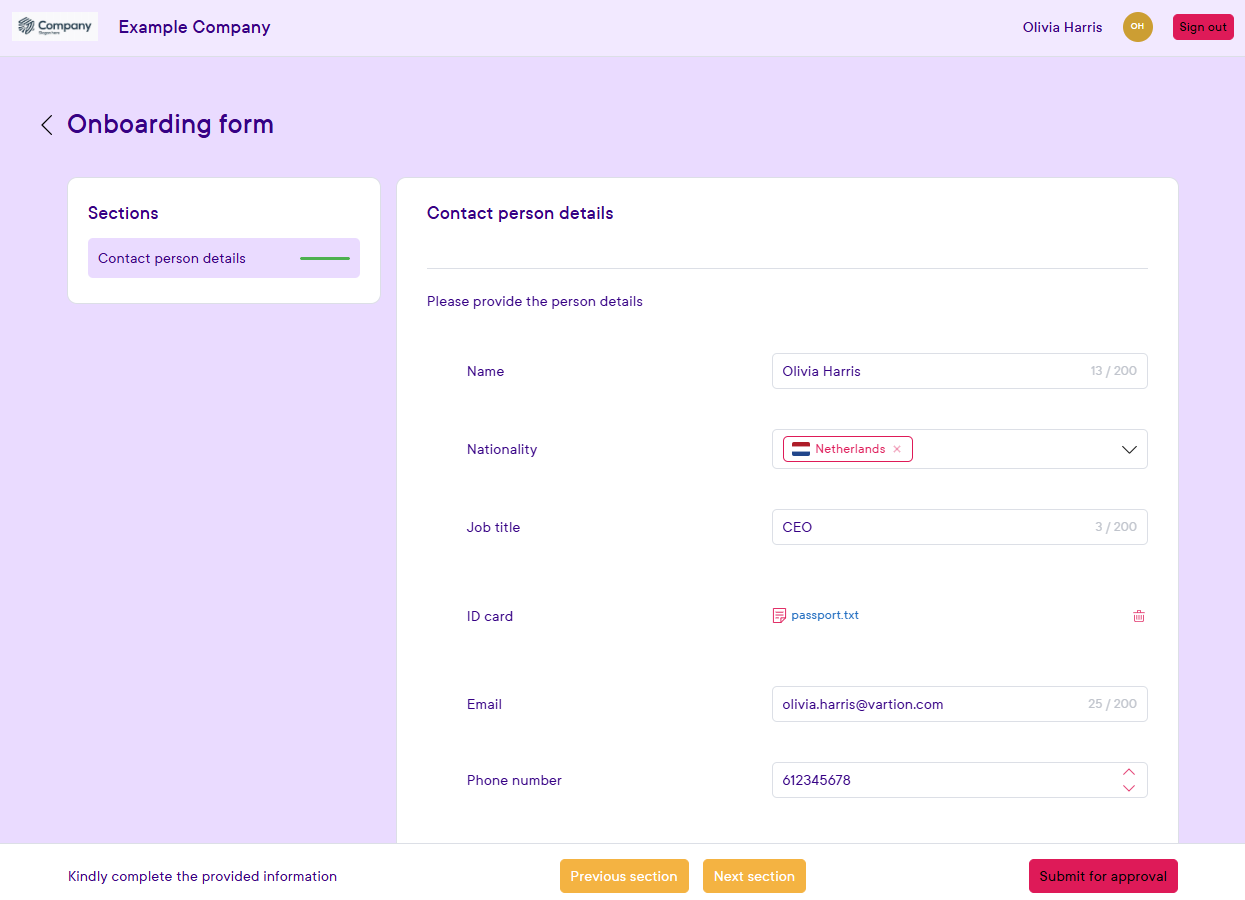
Questions are presented in the same order and within the same sections as set up in the form template in the Forms section. Questions that are marked as Internal questions will not be visible to the external user.
The user can press the Submit for approval button when all required questions are filled in. The form questions and answers can thereafter only be viewed by the user when visiting this site and verifying their account again.
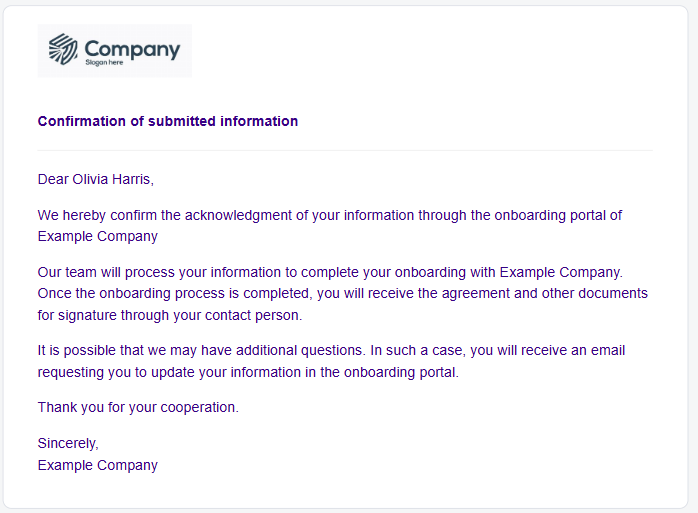
When the form is submitted for approval, the user receives a message to confirm the form is completed.
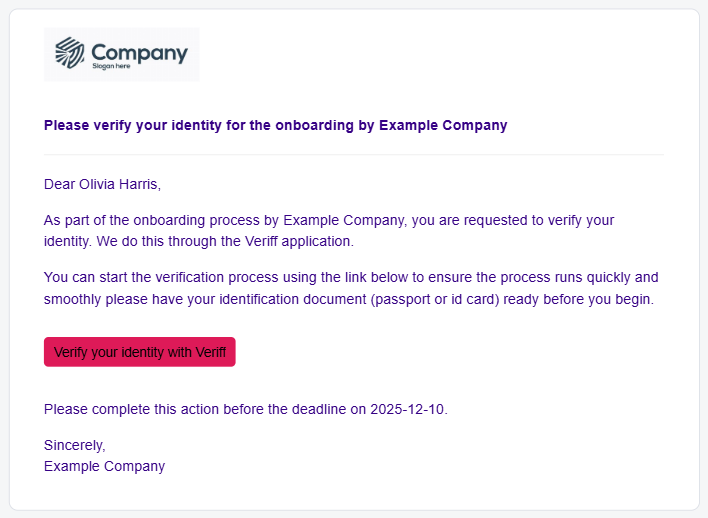
If identity verification of the user is requested, the user will receive an email to verify with Veriff. Clicking the button Verify your identity with Veriff will allow them to scan a QR code whereafter they can verify their identity with a valid identification document and their phone camera.
Hereafter all actions from the external user are completed and no further automatic messages are sent.