![pascal_logo.png]](https://help.vartion.com/hs-fs/hubfs/pascal_logo.png?width=160&height=42&name=pascal_logo.png)
Within HubSpot, workflows allow a variety of automations. Several Pascal actions are available to create and manage cases. Records adhering to the set up triggers within these workflows can be used to create a case for, update the case and more. Pascal properties, available once the integration is set up, allow actions to follow when Pascal properties include specific values.
-
Within a workflow with the Object type Contact, Person cases can be created and managed for the specific contact going through the workflow.
-
Within a workflow with the Object type Company, Business cases can be created and managed for the specific company going through the workflow.
Create case
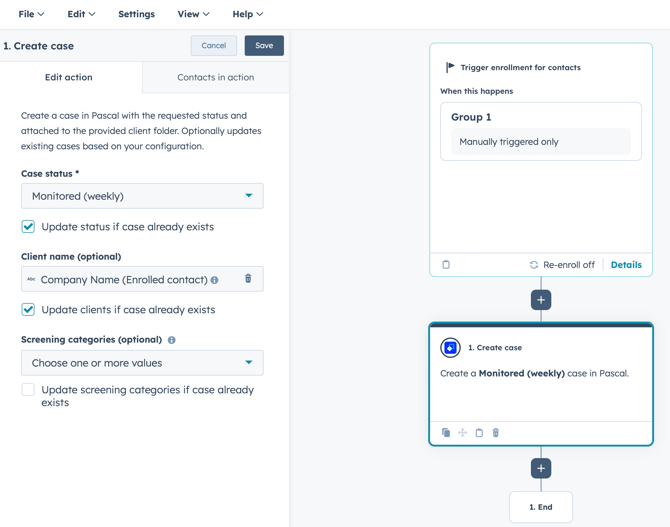
The Pascal action Create case allows you to create a case for the specified record.
Within the setup of this action the following information can be given:
- Case status - Allows you to choose the status of the case that will be created. Options are Preview, In review, Monitored (daily, weekly, monthly, quarterly, half yearly or yearly).
- Update status if case already exists - Allows you to update the status of the case already linked to the record.
- Client name - Option to group the case into a client folder.
- Update clients if case already exists - This option will add the specified client to the case if the case already exists. Already linked clients are not removed from the case.
- Screening categories - Provides the option to specify on which categories the case should be screened upon. Chosen screening categories which your Pascal account does not have access to will be ignored.
- Update screening categories if case already exists - Allows you to update the screening categories of the case if a case is already linked to the record. Chosen screening categories which your Pascal account does not have access to will be ignored.
Change case screening categories
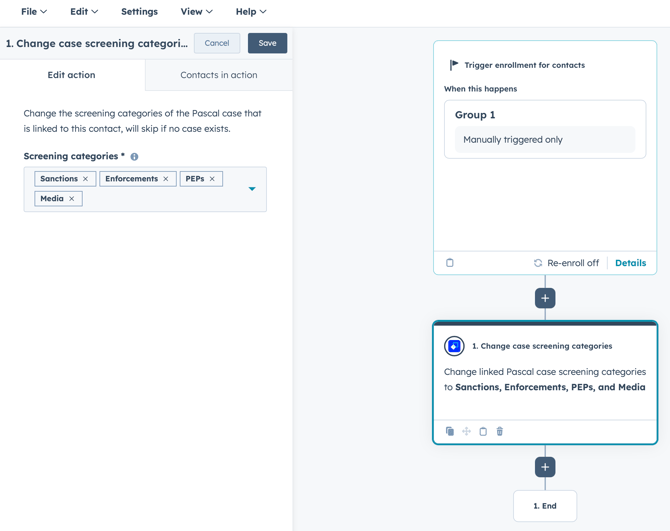
The Pascal action Change case screening categories allows you to change the categories the case linked to the specified record is screened upon.
Within the setup of this action the following information can be given:
- Screening categories - Select one or more screening categories to use within the case.
Change case status
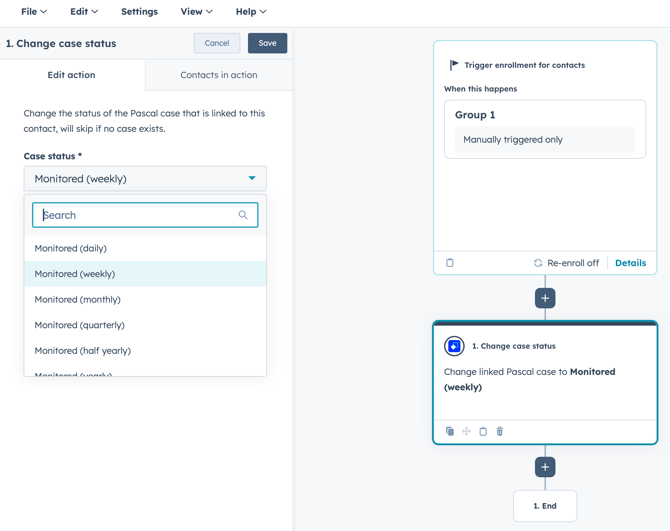
The Pascal action Change case status allows you to update the status of the case linked to the record going through this workflow.
Within the setup of this action the following information can be given:
- Case status - Select one of the status options available (In review, Monitored (daily, weekly, monthly, quarterly, half yearly or yearly) or Archived)
The current case status is updated to the chosen case status in this action. If no case is linked to the contact or company going through the workflow, this action is skipped in the workflow.
Change case assignee
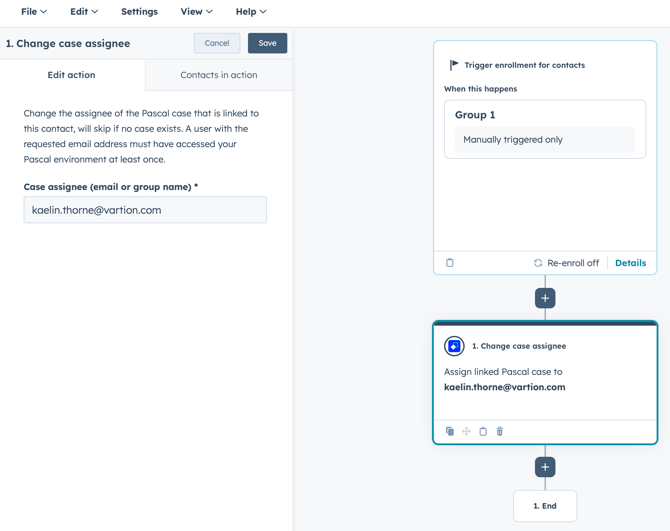
The Pascal action Change case assignee allows you to update the assignee of the case linked to the record going through this workflow.
Within the setup of this action the following information can be given:
- Case assignee - The email of a user or the name of a group to assign the case to. HubSpot properties can be inserted or a manual input can be provided.
The user email of an existing user will assign that user to the case. If the provided email does not match an existing user, the case is not reassigned. If the provided group name does not exactly match an existing group, the case is also not reassigned. If no case is linked to the company or contact record going through this workflow, this action is skipped.
Put case on hold
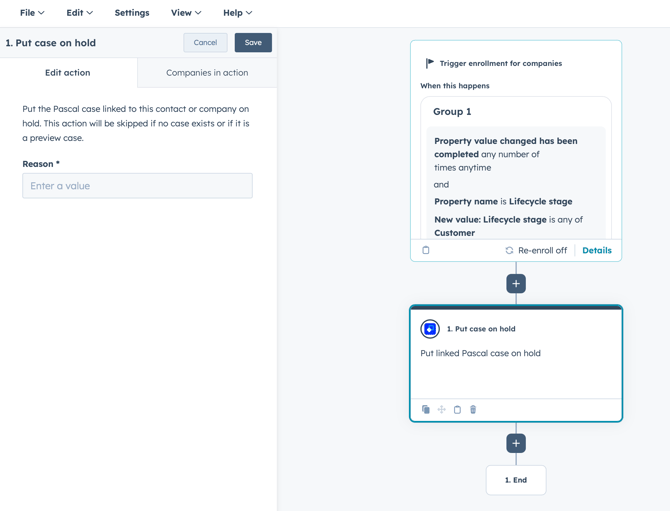
The Pascal action Put case on hold allows you to update the case status to On hold of the case linked to the record going through this workflow.
Within the setup of this action the following information must be given:
- Reason * - The reason why the case has been set to On hold by this workflow. This field is required to provide.
Search case again
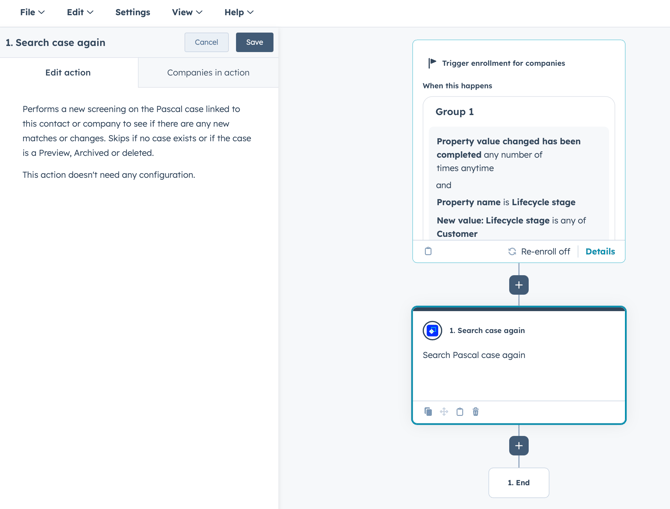
The Pascal action Search case again allows you to re-search the case linked tot he record going through the workflow for new results.
No further configuration is needed within this action.
This documentation, including images, videos and text, is accurate as of Version 7.11 of Pascal.
We strive to keep our documentation up to date with each release to ensure it remains a reliable resource for our users. However, given the dynamic nature of our software development, there might be instances where changes introduced in subsequent versions are not immediately reflected in this documentation. We encourage users to refer to the latest release notes and to use the feedback mechanism for any discrepancies or requests for clarification.